Custom QR code generator
Your colours, your logo, a frame that says what the code does. Free, no sign-up, and checked by a decoder before you download, so a code that will not scan never leaves this page.
Want it painted into a picture instead? See QR code art.
What keeps a custom code scannable
- Contrast
- Dots must be darker than the background, with a contrast ratio of at least 4:1 (we check it as you pick). Light dots on a dark background fail on many phones.
- Corners
- The three corner squares are how phones find the code. We let you round them a little, never so much that scanners lose them.
- Logo
- Your logo covers at most 22% of the width. Codes are made at the highest error correction (H), which survives about 30% damage.
- Read-back
- Every code is decoded again at full size and at a quarter size before you can download it.
Templates
Start with a use, a palette, a look or a layout, then customize the code. Test a physical print at its intended size before distributing it.
10 matching templates
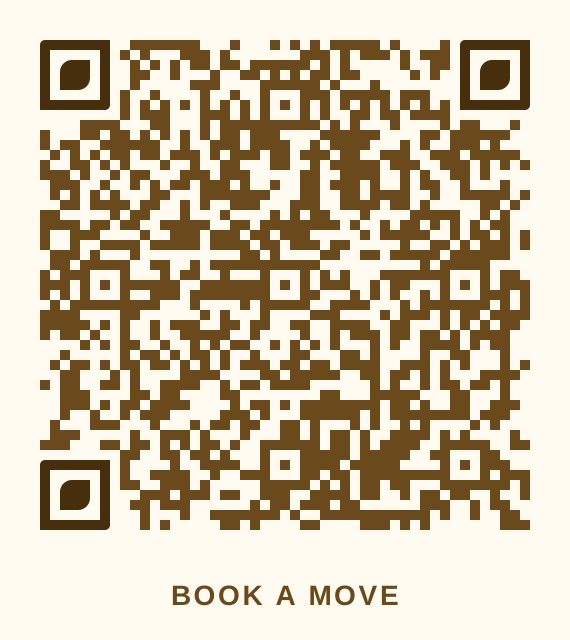 Handyman tan, square dots, leaf cornersHandymen, movers and junk removal
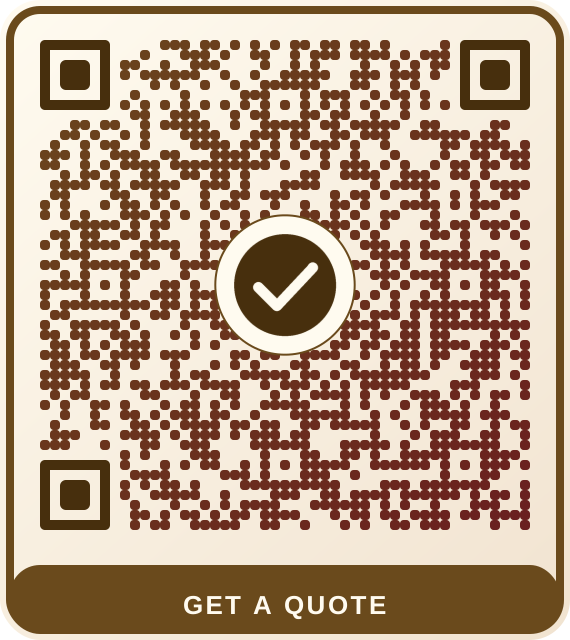 Handyman tan, gradient stickerHandymen, movers and junk removal
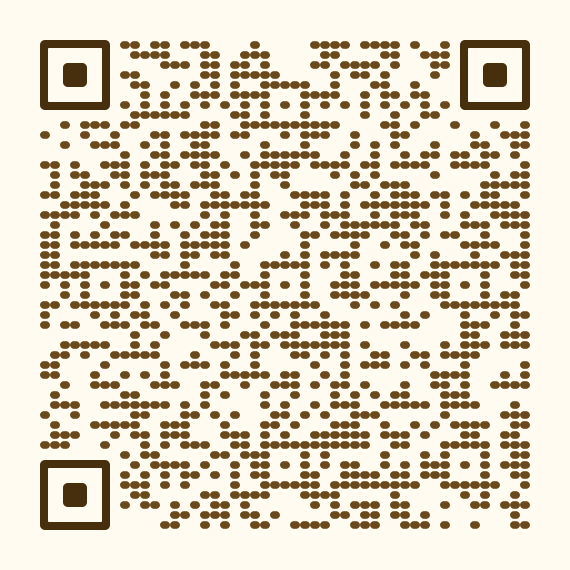 Handyman tan, fine corner ringsHandymen, movers and junk removal
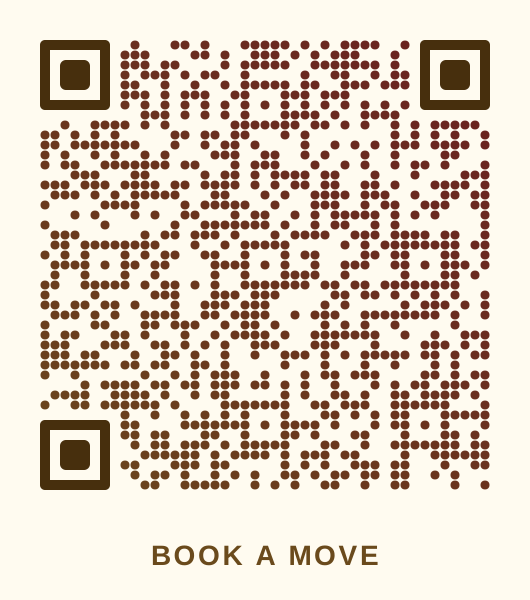 Handyman tan, dawn gradientHandymen, movers and junk removal
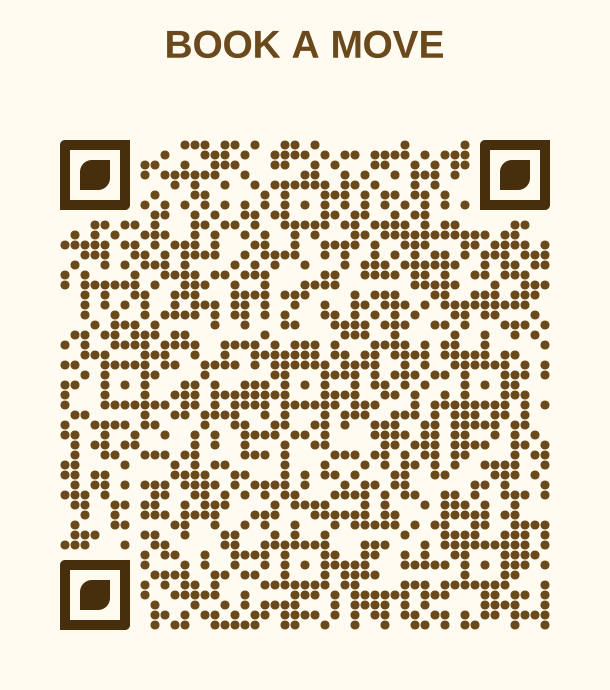 Handyman tan, headline sign, round dotsHandymen, movers and junk removal
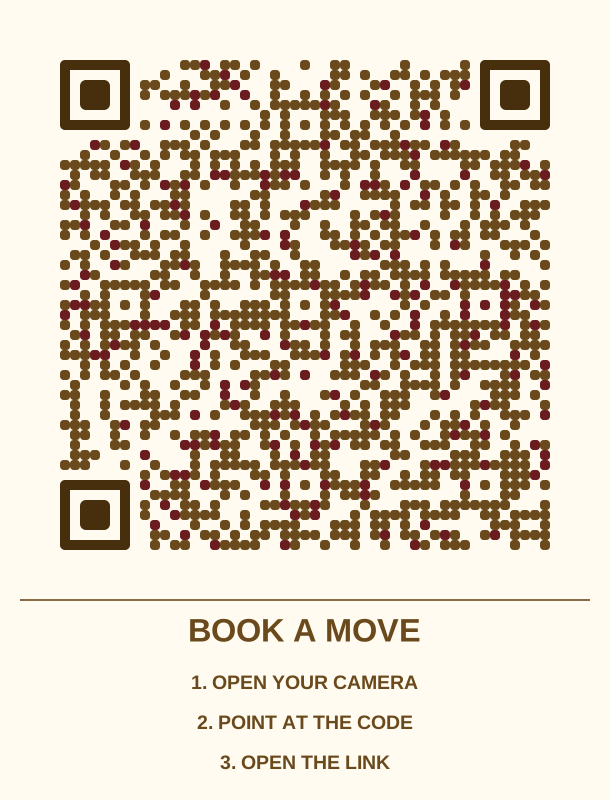 Handyman tan, instruction card, sprinkled dotsHandymen, movers and junk removal
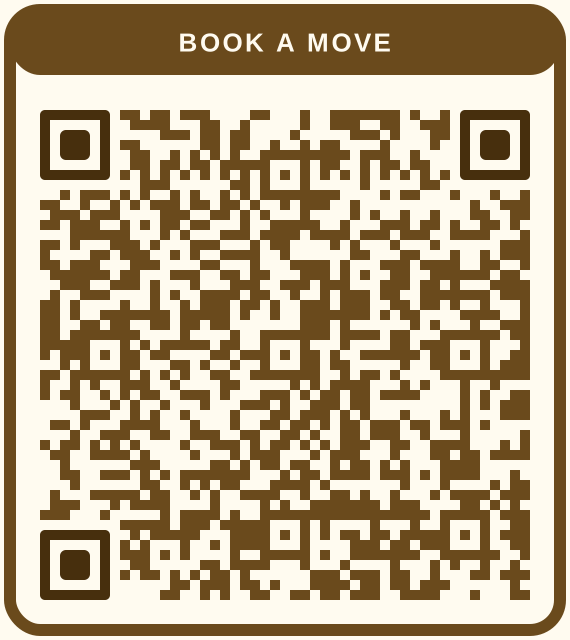 Handyman tan, card with label on topHandymen, movers and junk removal
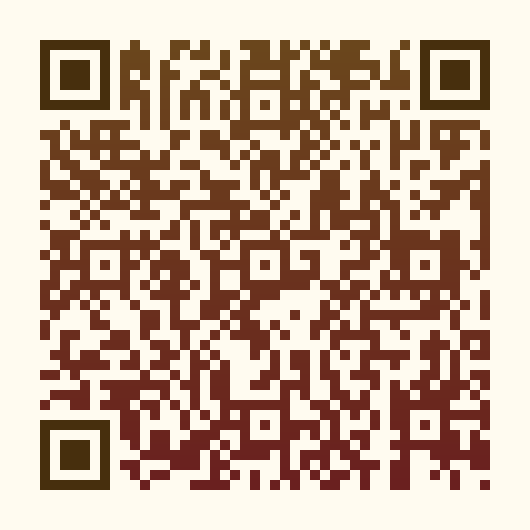 Handyman tan, vertical gradientHandymen, movers and junk removal
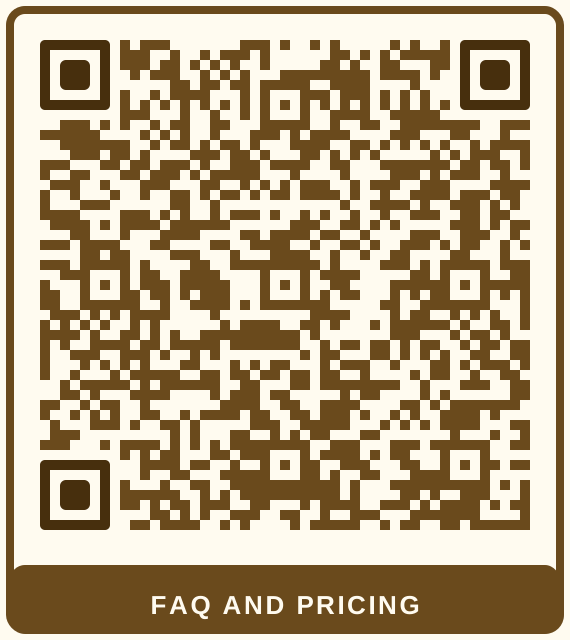 Handyman tan, classic cardHandymen, movers and junk removal
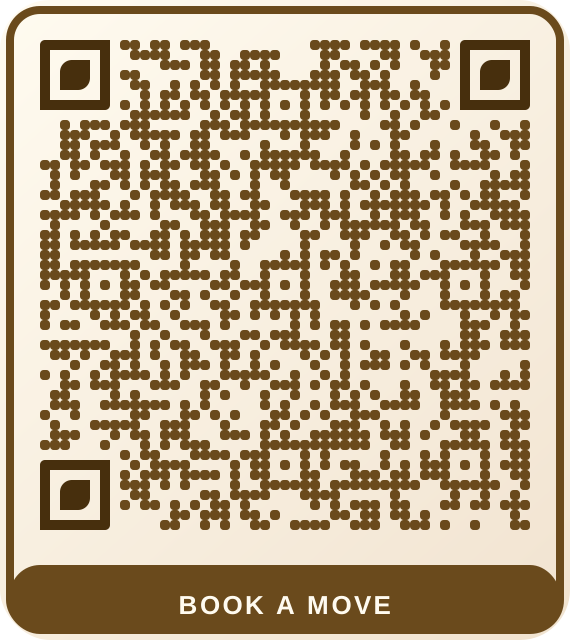 Handyman tan, washed cardHandymen, movers and junk removal
Want a link you can change after printing, and scan counts? Dynamic codes start at $9 a month.