Custom QR code Graphite, gradient dots and corners
Graphite, gradient dots and corners QR code template
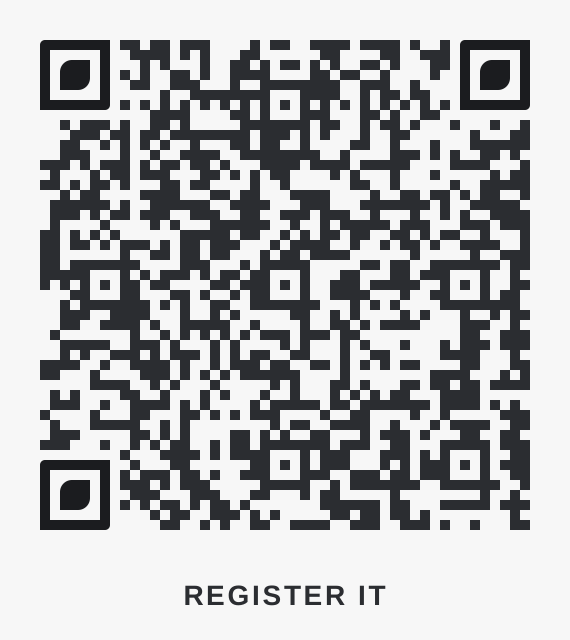
Diamond dots, leaf corners and a label below reading "Register It". Good for electronics, tools and product packaging. Paste your link, add your logo and download it free.
Want it painted into a picture instead? See QR code art.
This template
- Colours
- Dots #2b2d31, corners #1b1c1f, background #f7f7f7.
- Contrast
- 12.9:1 between the dots and the background. Above 4.5:1 reads reliably in dim rooms; plain black on white is 21:1.
- Shapes
- Diamond dots and leaf corners. The corner squares keep a crisp outer edge, which phone scanners use to find the code.
- Frame
- Label below reading "Register It". A short instruction next to a code gets more scans than a code alone.
- Extras
- A linear gradient on the dots and corner squares: #2b2d31 to #204546.
- Palette
- Graphite: see every style in this palette.
- Good for
- Electronics, tools and product packaging.
More from this palette and use
Start with a use, a palette, a look or a layout, then customize the code. Test a physical print at its intended size before distributing it.
Every Graphite style · All shops and products templates · Browse every template
 Graphite, pillElectronics, tools and product packaging
 Graphite, diamondElectronics, tools and product packaging
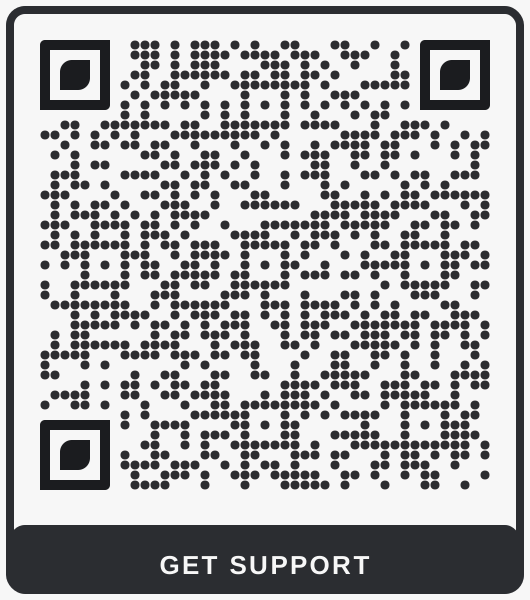 Graphite, dotsElectronics, tools and product packaging
 Graphite, square dots, leaf cornersElectronics, tools and product packaging
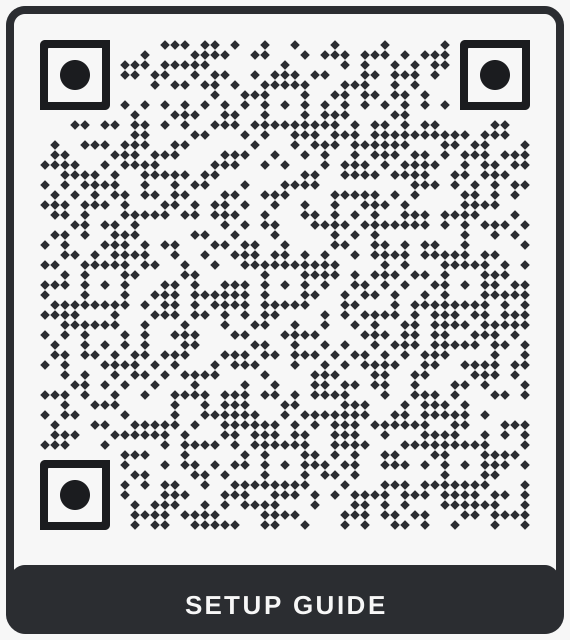 Graphite, petal cornersElectronics, tools and product packaging
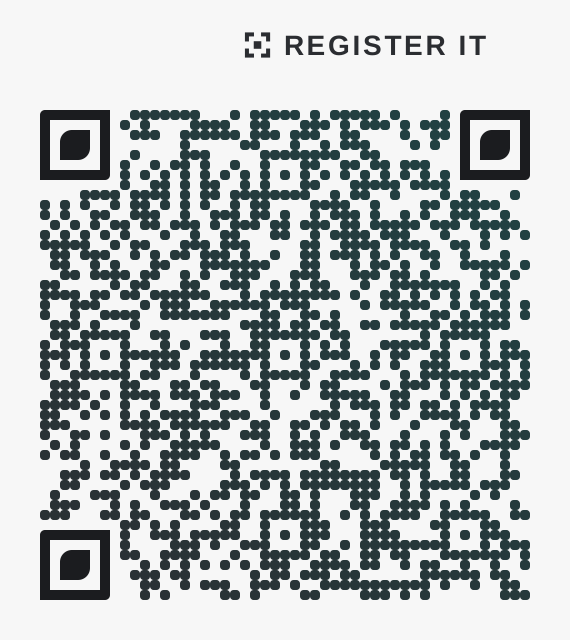 Graphite, gradient with label aboveElectronics, tools and product packaging
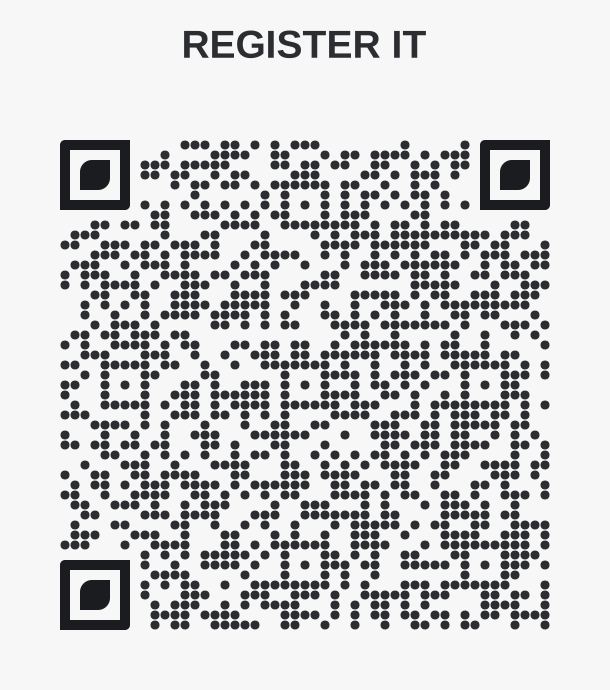 Graphite, headline sign, round dotsElectronics, tools and product packaging
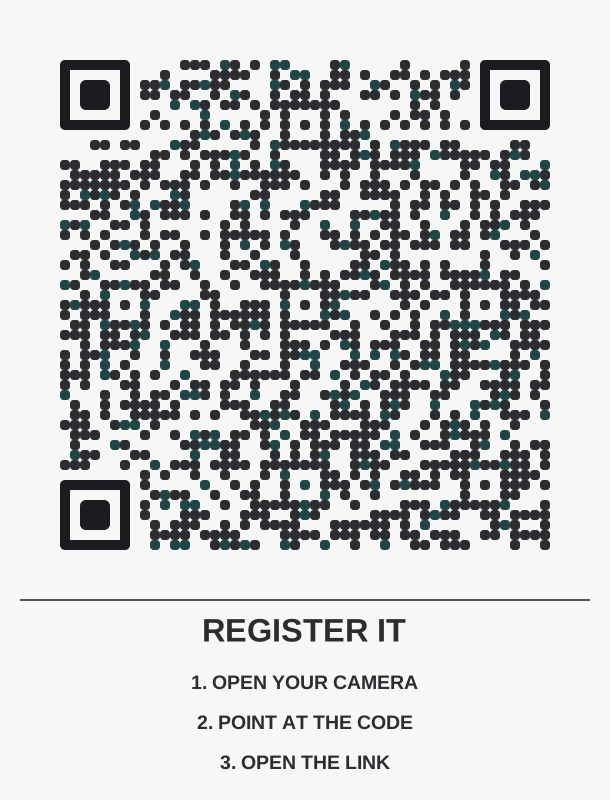 Graphite, instruction card, sprinkled dotsElectronics, tools and product packaging
 Graphite, typewriter cardElectronics, tools and product packaging
 Graphite, gradient with colour-coded cornersElectronics, tools and product packaging
 Graphite, classic cardElectronics, tools and product packaging
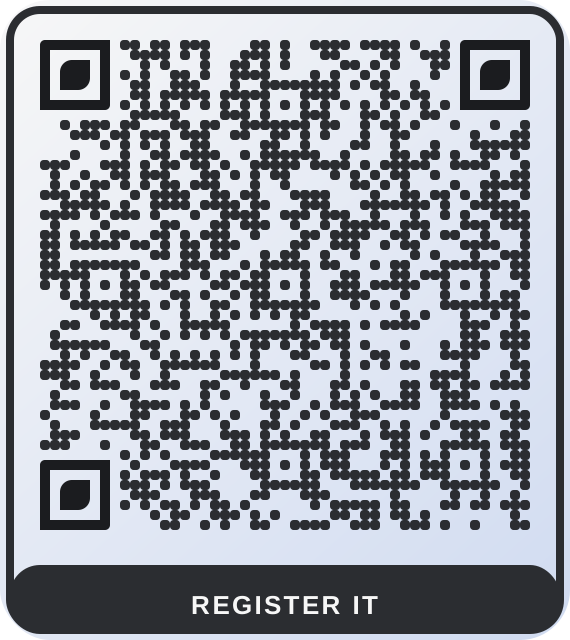 Graphite, washed cardElectronics, tools and product packaging
 Plum diamondsBoutiques, salons, beauty and fashion labels
 Cocoa leafChocolate and coffee brands, gift shops
 Umber cardMakers, furniture and craft brands
 Blush boutique, dotsBoutiques, salons and beauty counters
 Blush boutique, pillBoutiques, salons and beauty counters
 Blush boutique, diamondBoutiques, salons and beauty counters
 Denim, classicClothing labels, hang tags and pop-up shops
 Denim, octagonClothing labels, hang tags and pop-up shops
 Denim, roundedClothing labels, hang tags and pop-up shops
 Plum, pill cardBoutiques, salons, beauty and fashion labels
 Cocoa, classic cardChocolate and coffee brands, gift shops
 Umber, rounded, no frameMakers, furniture and craft brands
Want a link you can change after printing, and scan counts? Dynamic codes start at $9 a month.