QR code generator Google Maps
Google Maps QR code generator
Paste your Google Maps link and download a free code that never expires. Or make it art and dynamic: change the link after printing and see every scan.
Find your place in Google Maps, tap Share, then Copy link.
Make it art and keep it editable
The free code above prints your link as-is. With Art QR Codes you get a painted code that three decoders test before you see it, a link you can change after printing, and a count of every scan.
Tips for Google Maps codes
- Put it on event invitations and parking signs so guests get turn-by-turn directions.
- Print at least 1 in wide for arm's length, 2 in on tables, 8 in or more on signs read from a distance.
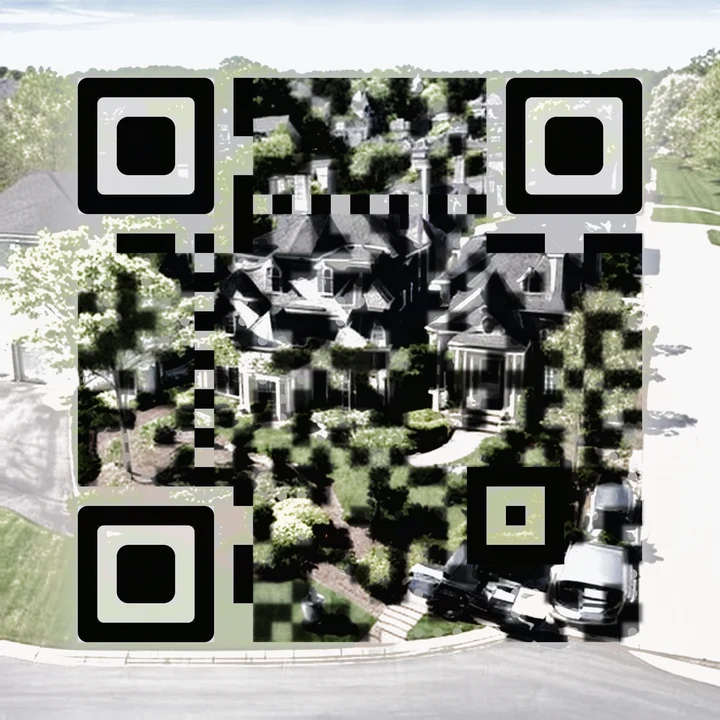
Maple Street
Yard-sign rider for a listing, Concord MA, 2026
Neighborhood artwork over a QR code, error correction H.
- Prints
- 1.25 in to 12 in
- Tested
- 10 of 10 core, 5 of 6 stress
- Opens
- a page that counts your scan
Suggested style for Google Maps: Neighborhood.
Questions
Can I change where my Google Maps QR code goes after printing?
Yes, if you make it dynamic. The printed code points at a short link we keep for you, and you can change the destination any time from your dashboard. A free static code prints the link itself and can never change.
Can my Google Maps QR code look like art?
Yes. We paint it in a style you choose, then test it with three decoders under 16 print and phone conditions before you can download it.
Does it expire?
Free static codes never expire. Dynamic codes keep redirecting to your last link even if you cancel your plan.